The AI writing editor that has read your sources.
Write with your PDFs, notes and highlights beside the draft. Ask Ora, the AI assistant, about your sources, and type @ to cite them.
Start writing free →Your sources beside the draft
Your draft, sources, notes and highlights sit in one window, so the passage you need is always one glance away.
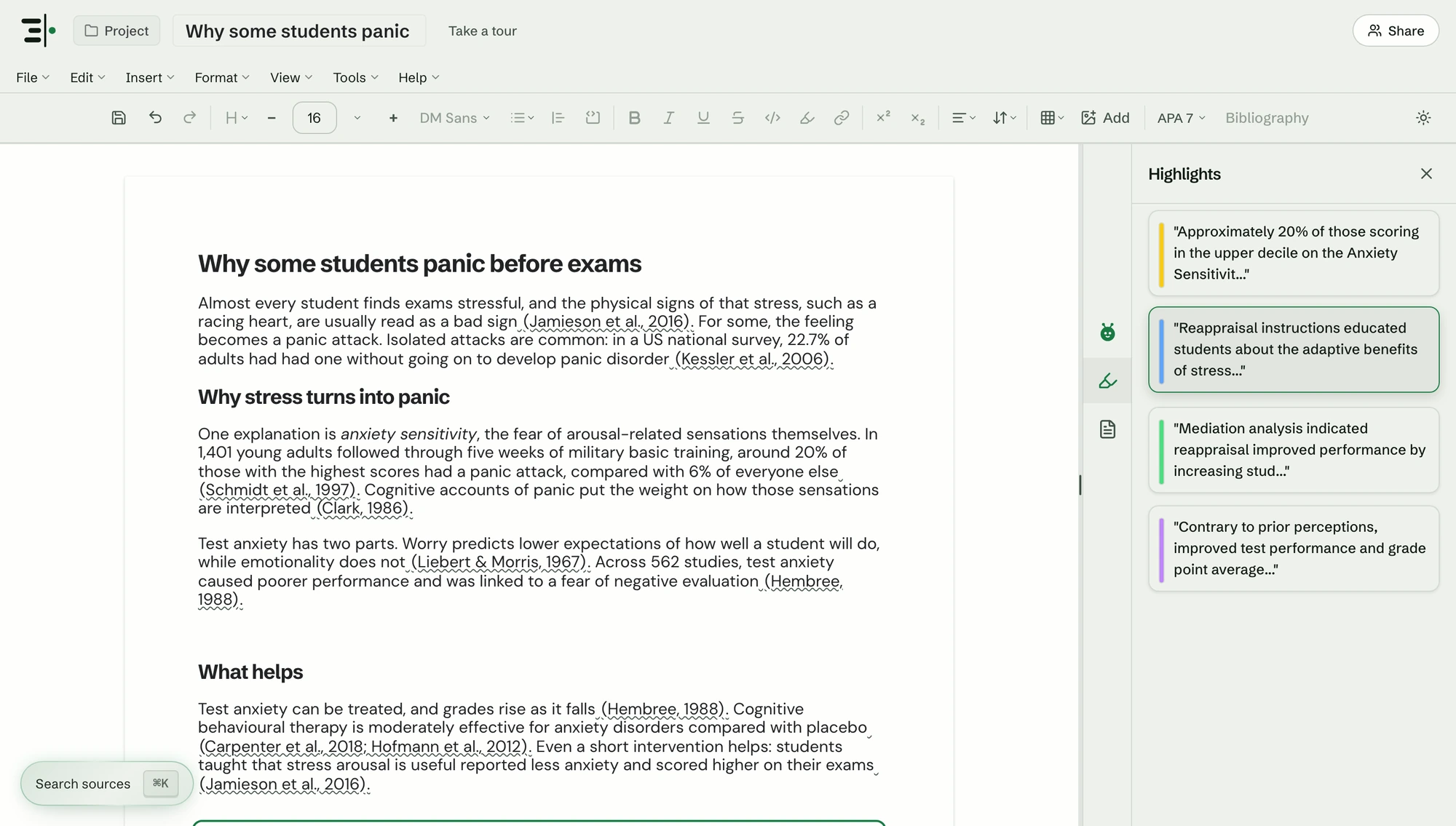
An AI that answers from your sources
Ora answers from the papers in your project, links every point to the passage it came from, and tells you when your sources don't cover a question.
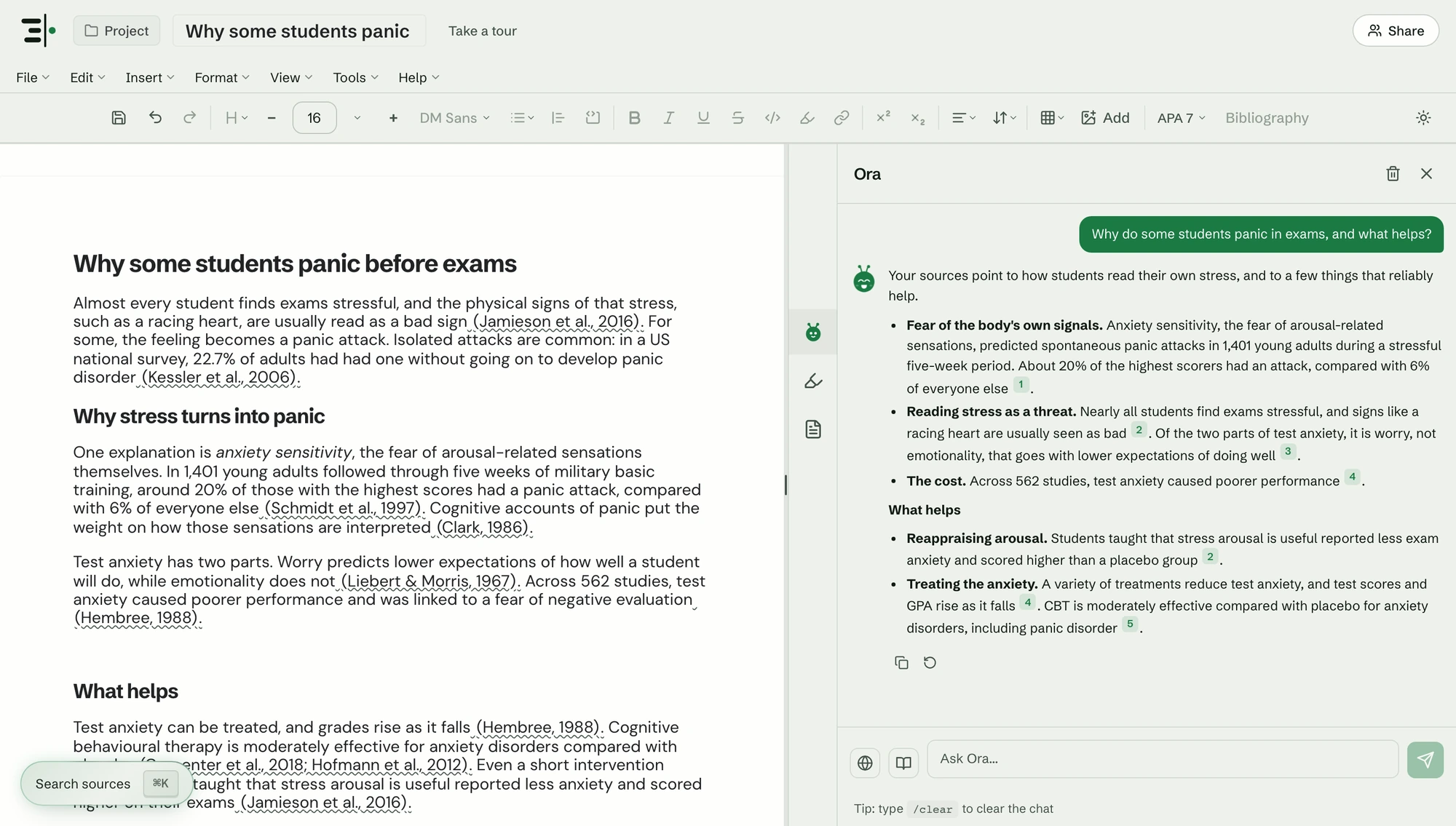
Cite as you type
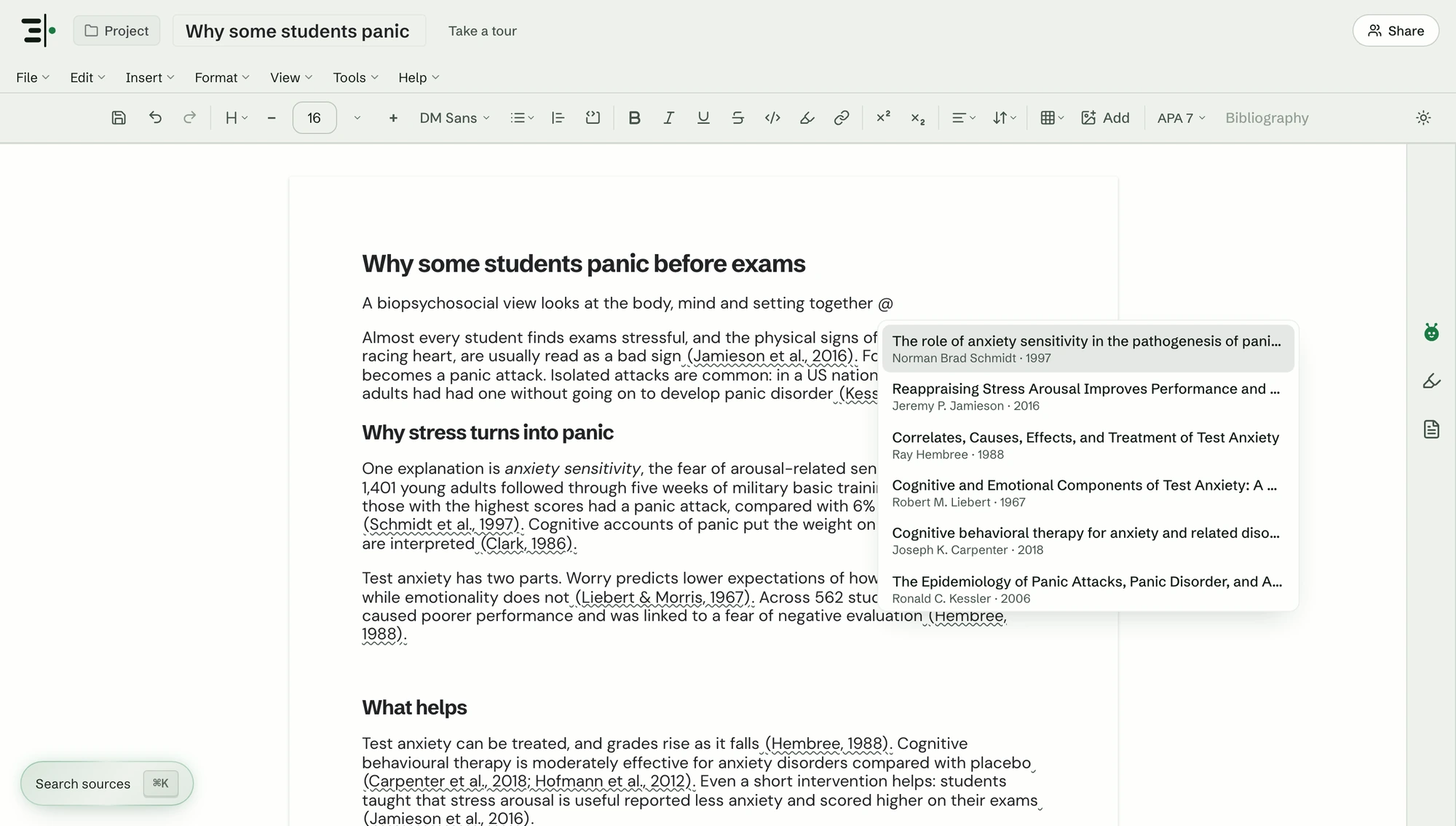
Type @ and pick a source. Scriva adds the inline citation and keeps the bibliography up to date in APA, MLA, Chicago, Harvard, IEEE and Vancouver.
Out to Word, PDF or LaTeX
Edit with co-authors in real time, then export to Word, PDF, LaTeX or Markdown with every citation and the bibliography included.
Questions.
What can the AI in Scriva see?
Ora answers from the sources in your project: the PDFs, Word files, web pages and papers you add. It shows the passage behind each answer, and says so when your sources don't cover a question.
Which citation styles does it support?
APA, MLA, Chicago, Harvard, IEEE and Vancouver, with more on the way. Type @ in the editor to cite a source, and the bibliography stays up to date as you write.
Can I export my draft to Word?
Yes. Export to Word, PDF, LaTeX or Markdown, with your citations and bibliography included.
Is Scriva free?
Yes. Scriva is free to use, and no card is required.